
How to set it up in Glide
- Pick your CGM for its own page: Dexcom G6, Dexcom G7, Dexcom ONE+, Libre 2, Libre 3, Medtrum Nano, or Nightscout.
- Invite the family: Settings → Followers → Invite a follower. Each person installs Glide, taps Watch someone else's glucose, enters the code and taps Join.
What you see
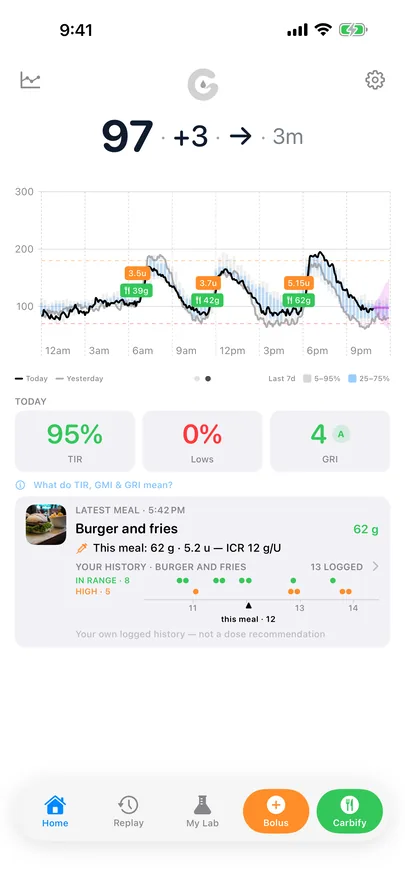
- The number, the arrow and the change per 5 minutes on every family phone.
- Meals and doses on the same chart, logged from any phone.
- An Apple Watch app, and the reading on the Lock Screen.
- Your own alerts, and a call at night when the reading is low or the signal is lost.
Questions
What does Glide cost?
Glide is free: readings, the chart, followers, alerts, the nighttime call, the report and the Apple Watch app. Glide Premium ($4.99 a month or $39.99 a year, two weeks free) adds photo carb counting and My Lab's food groups.